


FAQ Categories
Which sample program should I start with when using the Sentech SDK?
To get started with image acquisition, please refer to the sample programs “Grab” and “GrabCallback.”
If you did not change the installation path during setup, the sample program documentation is copied to:
C:\Program Files\OMRON_SENTECH\SentechSDK\v(version)\Development\Doc\StApi\StApi_Jpn.chm
Note: Be sure to select the “Complete” installation type when installing the Sentech SDK Package. If you select another installation type, the sample programs and documentation will not be installed.
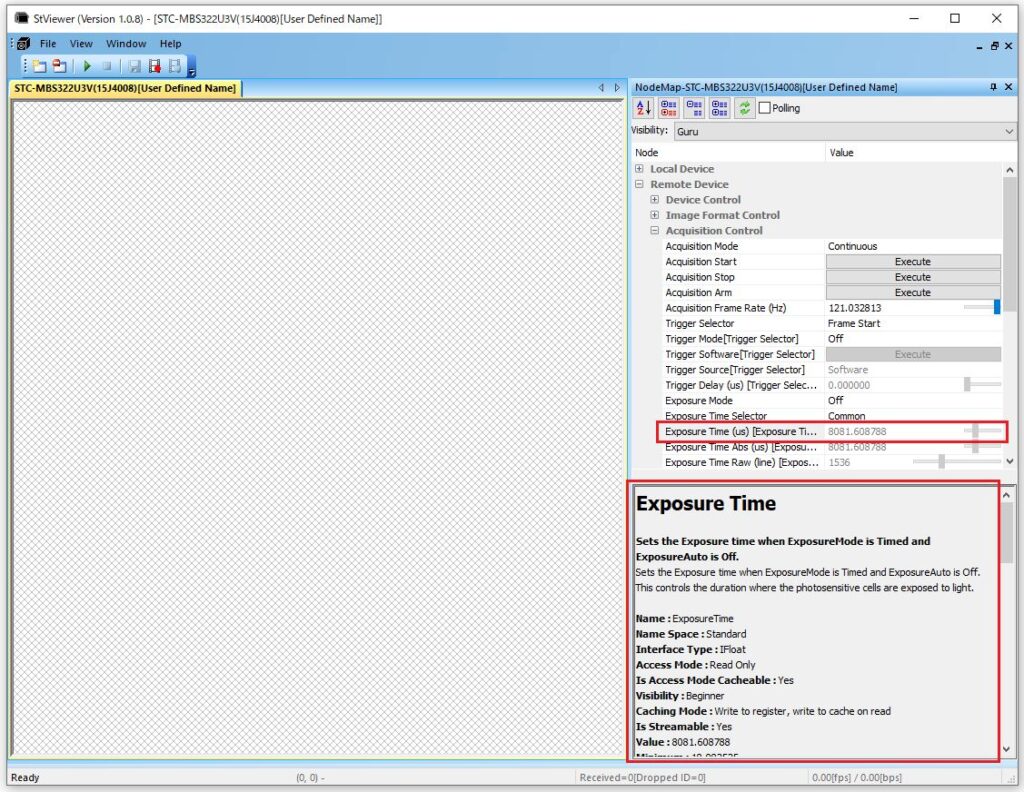
For adjusting camera parameters such as exposure time and gain, you can also check the sample code displayed at the bottom of the Node Map when selecting each function in StViewer.
Contact
For any questions about our products and services,
including specifications and technical support, please feel free to contact us.
Headquarters,
Sales Department+81 46236-6660
Newsletter Subscription
Stay up-to-date with our latest news, including new product releases,
information on discontinued products, and upcoming trade shows.